sRGB, Adobe RGB or Display P3: which color space to export your photos in
When you export a photo, the color space decides which range of colors it can describe and how other screens and printers will read them. Choose wrong and colors look dull or oversaturated on your client's phone. Here is the short version, then the details.
The short answer
- sRGB: for the web, social media, online galleries and most clients. When in doubt, sRGB.
- Display P3: for viewing on recent iPhones, iPads, Macs and many modern phones and laptops, which show more saturated reds and greens.
- Adobe RGB: for print workflows and labs that ask for it. Wider greens and cyans than sRGB.
What a color space is
A photo is numbers. The color space says what color each number means. A wider space can describe more saturated colors, but only if the screen or printer can show them and the software reads the embedded profile.
- sRGB is the standard of the web. Almost every screen shows it, and software that ignores profiles assumes it.
- Display P3 is about 25 % larger than sRGB, mostly in reds and greens. Most phones and many laptops sold in recent years can show it.
- Adobe RGB is larger than sRGB in greens and cyans, made for print. Most screens can't show all of it.
When to use each
| Where the photo goes | Color space |
|---|---|
| Website, blog, online gallery | sRGB |
| Social media | sRGB (many networks convert to it anyway) |
| Client download for phones and laptops | sRGB, or Display P3 if they mostly use recent devices |
| Print lab | What the lab asks for (often sRGB, sometimes Adobe RGB) |
| Fine-art printing at home | Adobe RGB (or a wider space, with 16-bit TIFF) |
Always embed the profile
A photo exported in Adobe RGB or Display P3 without its profile will look washed out or wrong, because software will assume sRGB. Make sure your export embeds the color profile.
Bit depth and format
- JPEG is 8-bit: perfect for delivery in sRGB or Display P3.
- TIFF 16-bit keeps smooth gradients for printing and further editing, especially in wide spaces.
- PNG is lossless, useful for graphics; for photos, JPEG is usually enough.
Exporting from SimplyShot
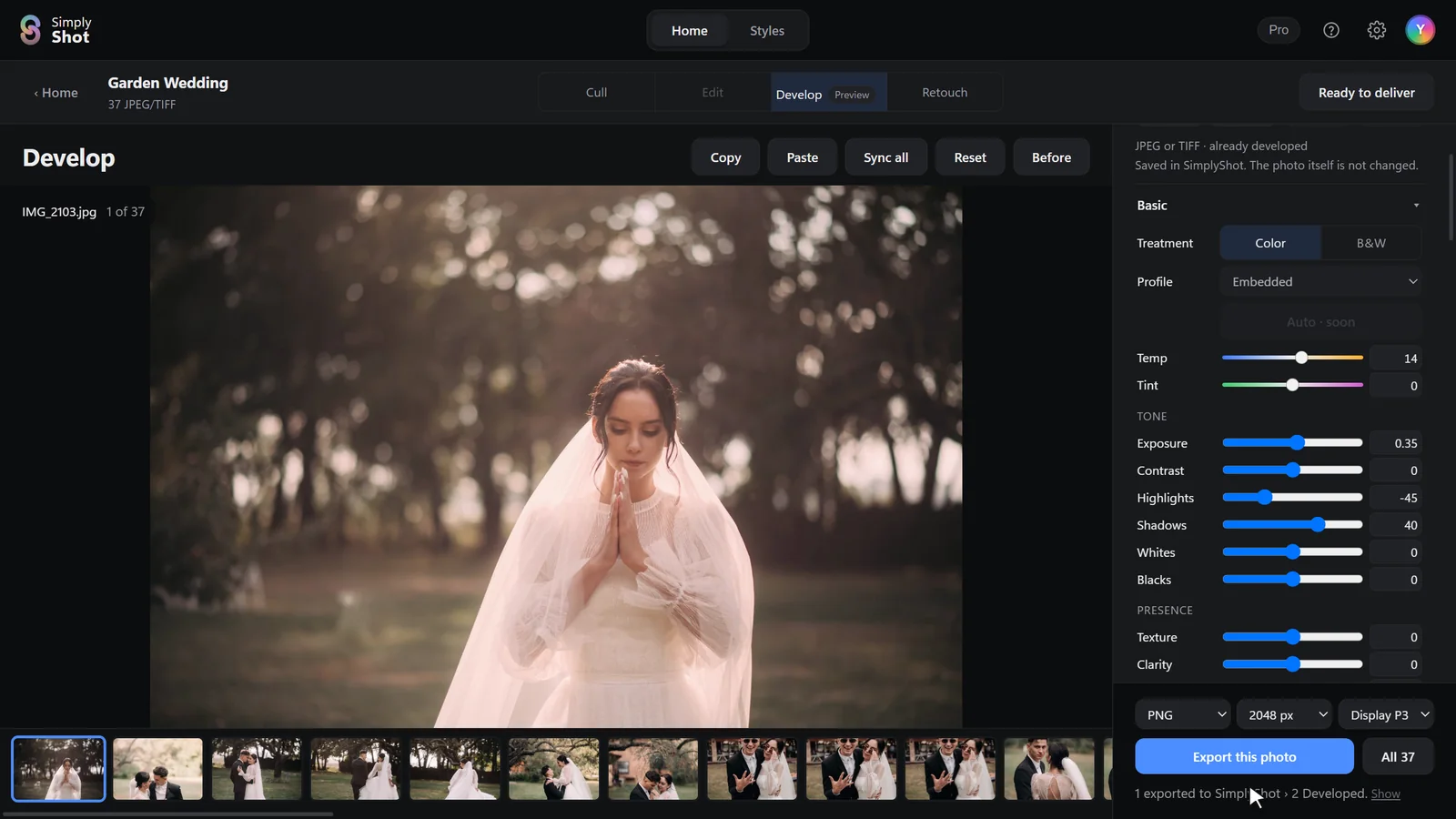
SimplyShot's Develop exports JPEG, TIFF 8-bit, TIFF 16-bit or PNG, in sRGB, Adobe RGB (compatible) or Display P3, with the color profile embedded and the camera data (EXIF) kept in JPEG and PNG.
Frequently asked questions
Should I export in sRGB or Adobe RGB for Instagram?
sRGB. Social networks expect it, and many convert to it anyway.
Is Display P3 better than sRGB?
It can show more saturated colors on screens that support it. On screens that don't, a correctly tagged P3 photo still looks right, just without the extra saturation.
Why do my photos look dull on the web?
Usually because they were exported in Adobe RGB (or without a profile) and the viewer assumed sRGB. Export in sRGB with the profile embedded.