Develop: a photo editor with the sliders you already know
Sometimes one photo needs a little more: a distraction in the background, a black and white version, a different crop for the album. Develop lets you edit any photo of the shoot right in SimplyShot, RAW or JPEG, with the panels you already know from Lightroom, and export it ready to deliver. Develop is in preview: it is ready to use, and more tools are on the way.
Everything in its place
- Basic: white balance (Temp and Tint), Exposure, Contrast, Highlights, Shadows, Whites, Blacks, Texture, Clarity, Dehaze, Vibrance and Saturation.
- Tone Curve: parametric and point curves, RGB or per channel.
- HSL / Color: hue, saturation and luminance for eight colors, or by color, or on a wheel.
- Color Grading: shadows, midtones, highlights and global, with wheels or sliders.
- Detail: sharpening and noise reduction.
- Lens Corrections for RAW: the vignetting of your lens, from its profile.
- Effects and Calibration: vignette, grain and the color primaries.
- Black and white, with its own color mix.
Every change shows at once, using your graphics card.
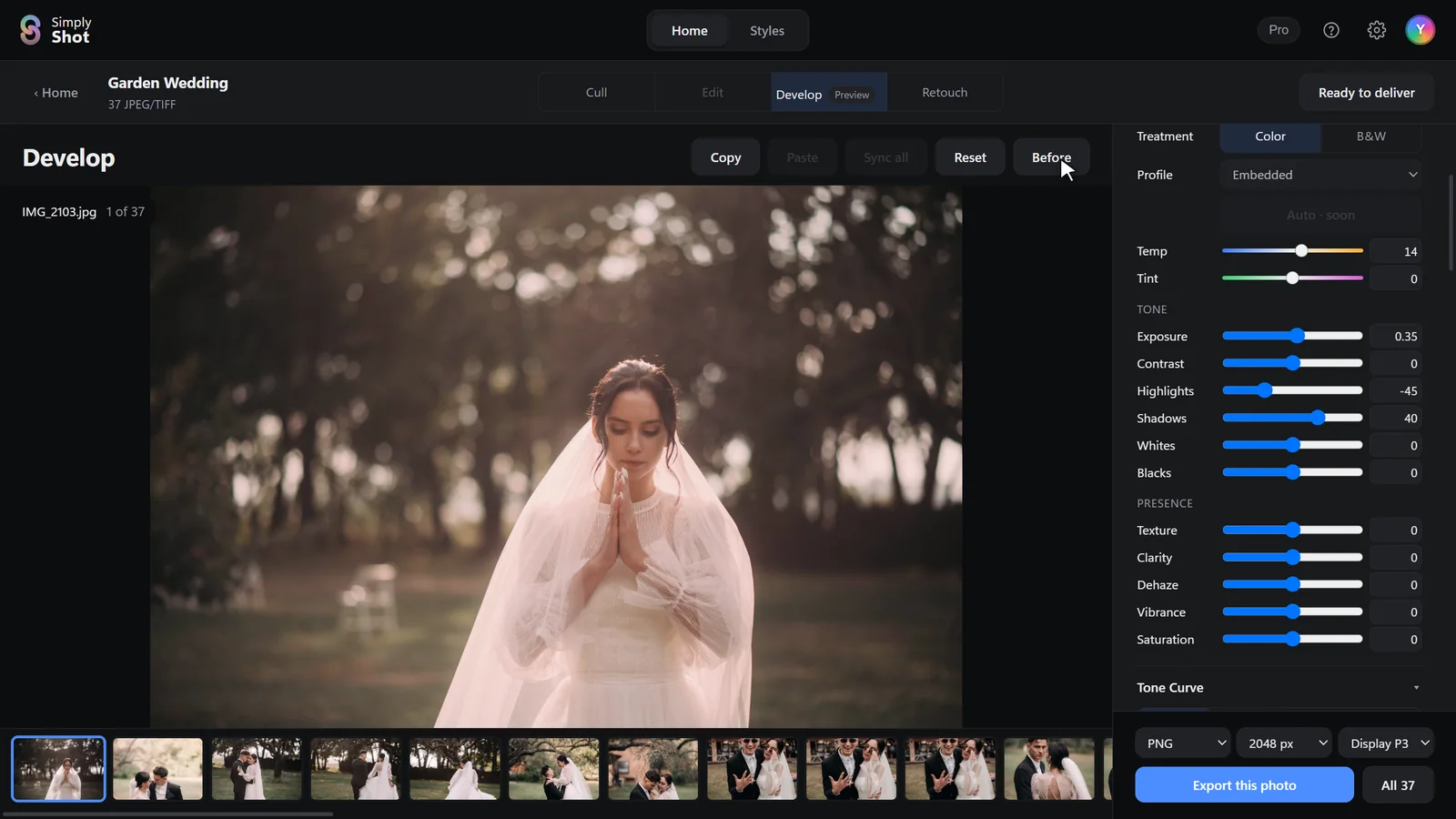
Remove: paint away a distraction
A chair in the background, a sign, an exit light. Pick Remove, paint over it, and it is filled in from what is around it. It runs on your computer, never in the cloud, and every stroke can be undone.
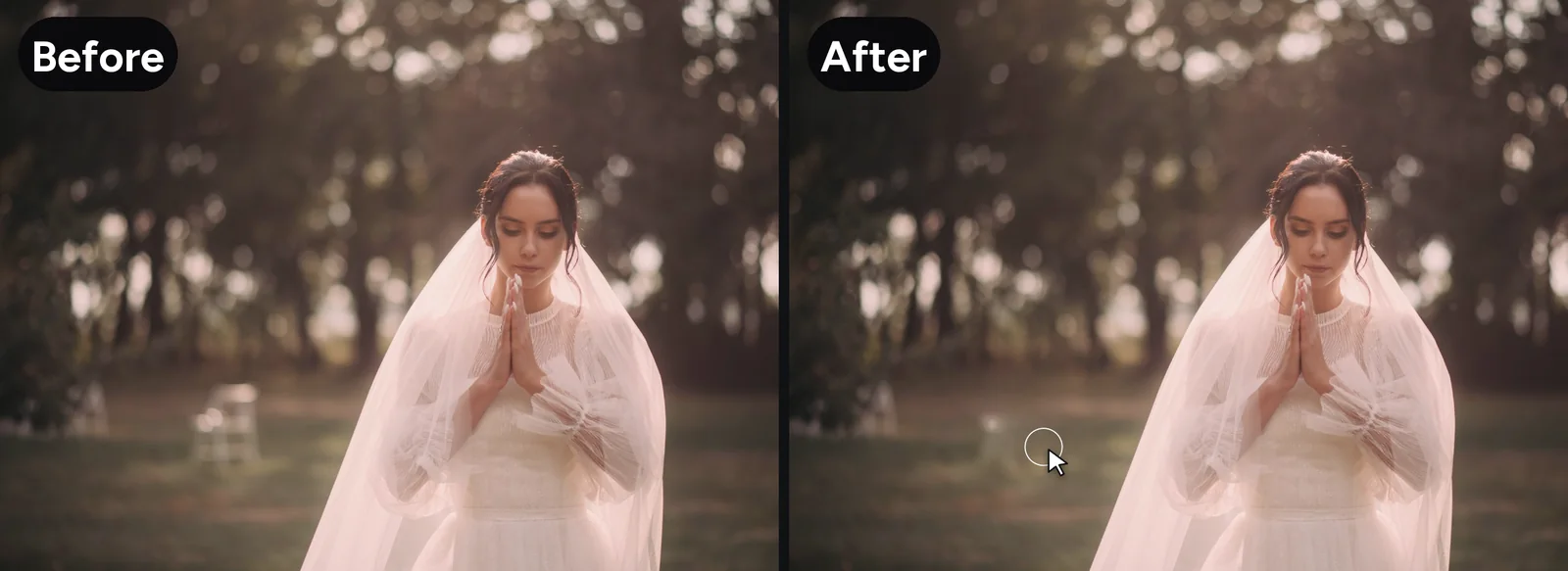
Black and white, the way you like it
Switch the treatment to B&W and the color mixer becomes a black and white mix: brighten the skin with orange, darken a blue sky, exactly as you would in Lightroom.
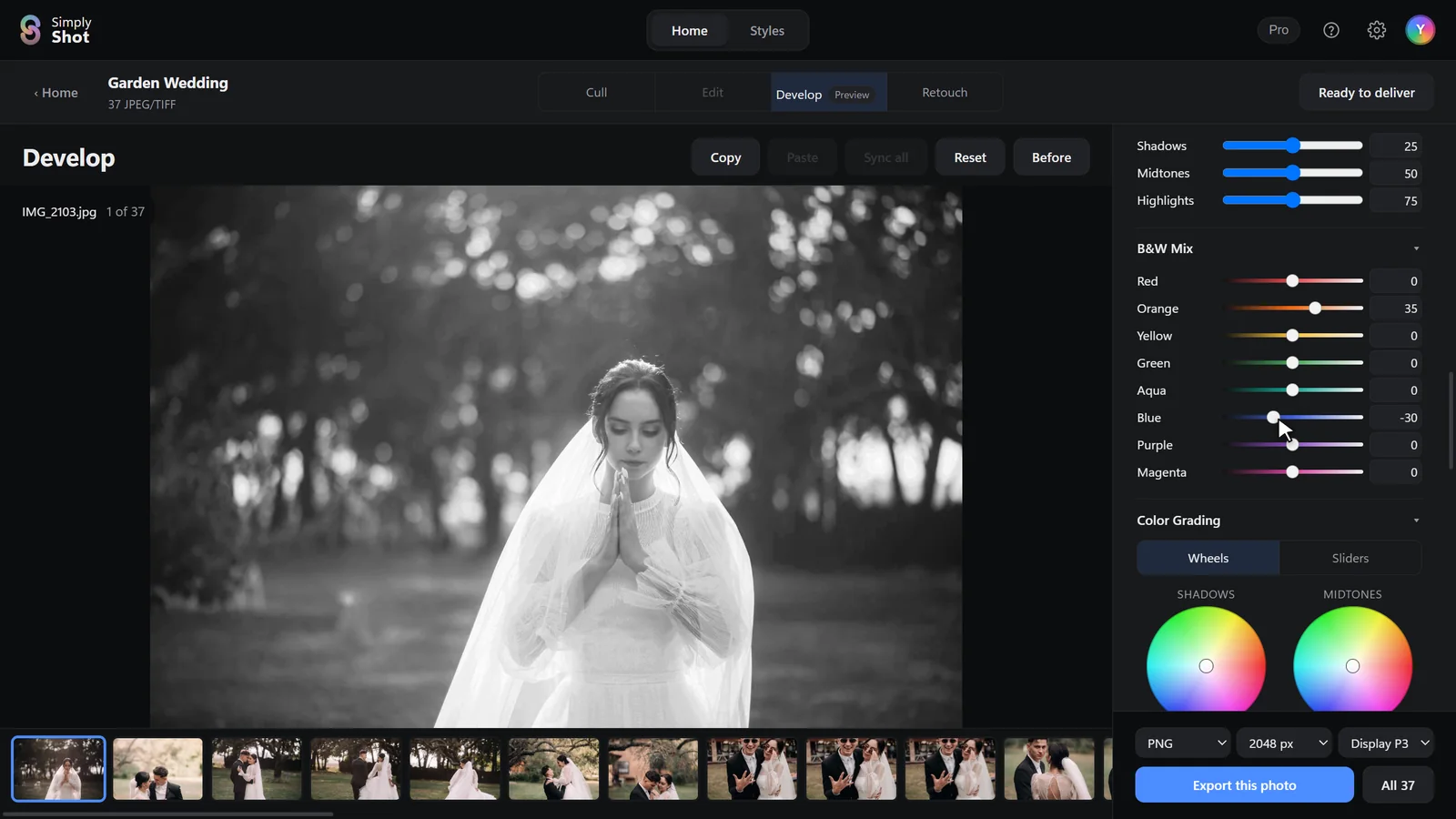
Edit one, sync the shoot
Copy the settings of one photo and Sync all to apply them to every photo of the same kind in the shoot. What belongs to a single photo, like Remove and the crop, stays with that photo.
Export ready to deliver
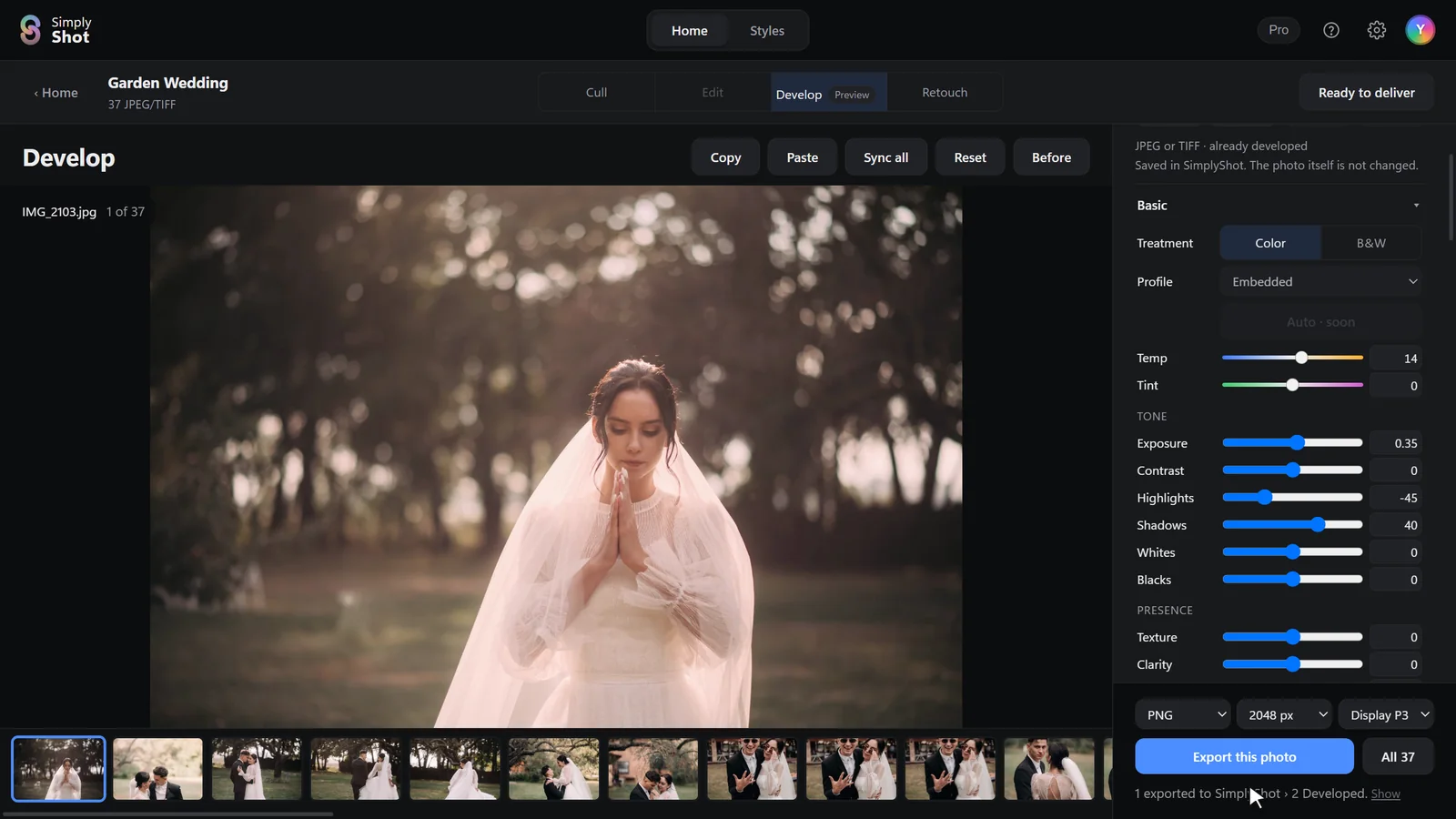
- JPEG, TIFF 8-bit, TIFF 16-bit or PNG.
- Full size or 4096, 3000, 2048 or 1080 pixels.
- sRGB, Adobe RGB (compatible) or Display P3, with the color profile embedded.
- Camera data (EXIF) kept in JPEG and PNG.
Exports go to SimplyShot › 2 Developed, inside the photos' folder, and never overwrite an earlier export. Your originals are never changed.
Frequently asked questions
Is Develop a replacement for Lightroom Classic?
No. Your style is learned from Lightroom Classic, and edits for whole shoots are written into your catalog. Develop is for the photos you want to finish here: a quick fix, a black and white version, an export.
Does it work with RAW files?
Yes, RAW and JPEG or TIFF. RAW files are developed with SimplyShot's own camera profiles.
Does Remove upload my photo?
No. Remove runs on your computer.
Does it change my original files?
No. Your edits are saved separately and exports go to their own folder.
See all features · Remove distractions from your photos · sRGB, Adobe RGB or Display P3?
Start your free trial Download
Everything else it does
- Cull · Picks the keepers of a shoot in seconds. No training.
- Edit in your style · Learns your style from your catalogs and edits whole shoots.
- Retouch · Skin, eyes, teeth, hair and clothing, person by person.